
How WebGPU Is Improving Browser Game Graphics
Published on: September 25, 2026
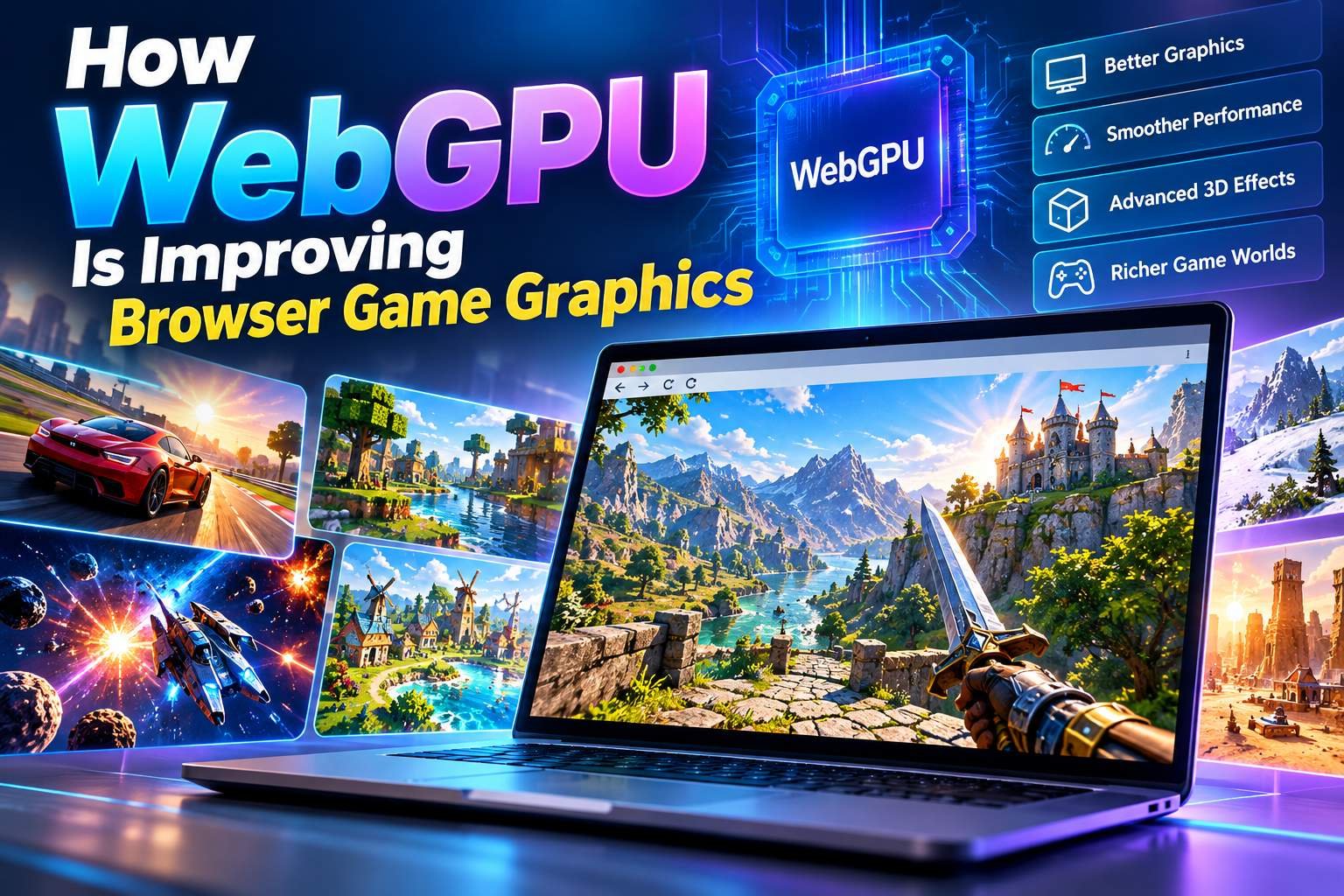
WebGPU is designed as a successor to WebGL and provides developers with a modern architecture for both graphics rendering and general-purpose GPU computation. Instead of treating the browser only as a place for simple canvas graphics, WebGPU allows web applications to make better use of modern GPUs for demanding visual and computational workloads.
For browser gaming, this can open the door to richer environments, more advanced visual effects, larger numbers of objects, and more sophisticated rendering techniques while keeping the game accessible through a web browser.
What Is WebGPU?
WebGPU is a web API that allows applications running in a browser to communicate with the system's graphics processor through a standardized programming model. The API can be used for rendering graphics as well as performing calculations on the GPU. The WebGPU specification is designed to map efficiently to modern native graphics APIs such as Direct3D 12, Metal, and Vulkan.
The technology is not simply a faster version of JavaScript graphics. It provides developers with a different programming model that is better suited to modern GPU hardware. WebGPU also introduces compute pipelines, allowing certain calculations to run in parallel on the GPU instead of requiring the CPU to handle every task.
This is particularly interesting for games because modern games often need to perform many calculations while simultaneously rendering a scene. Particles, lighting-related calculations, animation processing, visibility calculations, and other workloads can place significant demands on a game's CPU and GPU.
WebGPU and the Evolution From WebGL
WebGL played an important role in bringing hardware-accelerated graphics to web browsers. It enabled developers to render graphics through the HTML canvas and helped make increasingly sophisticated browser games possible.
However, modern graphics hardware has evolved considerably since WebGL was introduced. WebGPU was designed around newer GPU architectures and modern native graphics APIs. According to MDN, WebGPU provides more advanced GPU features, general-purpose GPU computation support, and an architecture designed for modern graphics workloads.
This does not mean that WebGL has suddenly become useless. WebGL remains an important technology with a large existing ecosystem. Many browser games and graphics applications continue to use it successfully. WebGPU instead provides developers with another option for applications that can benefit from a more modern GPU programming model.
Better Use of Modern Graphics Hardware
One of the biggest advantages of WebGPU is its ability to expose modern GPU capabilities through a web-friendly API. Modern GPUs are designed to perform many operations in parallel, making them particularly effective at graphics workloads.
A browser game can take advantage of this capability when rendering complex scenes. Instead of relying heavily on the CPU for certain graphics-related operations, developers can design workloads that make better use of the GPU.
This can be especially useful when a game contains many objects, animated elements, particles, or other visual effects. The exact performance improvement depends on the game, the implementation, the browser, and the player's hardware, so WebGPU should not be considered an automatic performance guarantee.
More Detailed 3D Game Worlds
Modern browser games can contain surprisingly detailed 3D environments. Large numbers of objects, animated characters, terrain, lighting, shadows, and particle effects can all contribute to the visual complexity of a game.
WebGPU provides developers with tools for building rendering systems that are better aligned with modern GPU hardware. Its render pipelines allow developers to control programmable stages used to process vertices and pixels, while compute pipelines can be used for general GPU calculations.
This creates opportunities for browser games to include more sophisticated visual systems. Developers can potentially build larger scenes and more complex effects while maintaining a browser-based delivery model.
Advanced Lighting and Visual Effects
Lighting plays an important role in making a game world feel believable. Simple games may use basic colors and textures, while more advanced games can use dynamic lighting, shadows, reflections, particles, and post-processing effects.
WebGPU supports modern rendering techniques and GPU-based processing that can be used for effects such as particles and post-processing. MDN specifically describes use cases including color effects, sharpening, depth-of-field simulation, GPU-based culling, and skinned model transformations.
For players, these technologies can translate into richer visual experiences. For developers, they provide more flexibility when designing the rendering pipeline of a browser game.
WebGPU Can Help With Particle Effects
Particles are commonly used for fire, smoke, explosions, weather, magic effects, dust, sparks, and other animated elements. A scene containing thousands of individual particles can require a large amount of processing.
WebGPU's compute capabilities allow developers to move certain parallel workloads onto the GPU. This can make it possible to process large groups of particles more efficiently than handling every calculation individually on the CPU.
Chrome's WebGPU documentation demonstrates how compute shaders can be used for workloads that previously had to be handled by JavaScript. In one example, moving a computational workload to a compute shader produced a substantial performance difference in that particular demonstration.
The important point is that the improvement depends on the workload and implementation. Developers still need to optimize their game carefully.
GPU-Based Game Physics and Computation
Graphics are not the only area where WebGPU can be useful. Modern games also perform many calculations behind the scenes. These can include particle movement, simulation systems, animation processing, visibility calculations, and other parallel workloads.
WebGPU's compute pipelines are designed specifically for general-purpose calculations on the GPU. A compute shader can process groups of data in parallel and store the results in GPU buffers or other resources.
For certain browser games, this can provide developers with new ways to design complex systems. Instead of thinking about the GPU purely as a device for drawing pixels, developers can use it as a powerful parallel computing resource.
More Objects on Screen
A busy game scene can contain hundreds or thousands of objects. Examples include enemies, trees, buildings, projectiles, particles, decorations, and environmental elements.
Efficiently managing these objects is an important part of game performance. WebGPU is designed to reduce some of the CPU-side cost associated with rendering individual objects and provides modern mechanisms for organizing GPU work.
This can give developers more flexibility when creating scenes with large numbers of visual elements. However, game performance still depends on asset quality, scene complexity, memory usage, CPU performance, GPU capabilities, and many other factors.
WebGPU and Browser-Based 3D Gaming
The development of WebGPU is particularly interesting for 3D browser games. Players do not necessarily need to install a traditional desktop application to experience a web-based 3D game. The browser can provide the platform through which the game loads its assets, executes its code, and communicates with the GPU.
This creates an attractive development model for games that need more graphical power while still benefiting from the accessibility of the web.
Chrome made WebGPU available by default in Chrome 113 on supported platforms, helping establish the technology as an important part of the modern web graphics landscape.
WebGPU Shaders and WGSL
Shaders are an important part of modern graphics programming. They are programs that run on the GPU and determine how graphics data is processed and displayed. WebGPU uses the WebGPU Shading Language, commonly known as WGSL, for its shader programs.
WebGPU render pipelines can contain programmable stages for processing vertices and fragments, while compute pipelines use compute shaders for general-purpose GPU workloads.
This gives developers a unified way to create rendering and computation systems that take advantage of the capabilities exposed by WebGPU.
Better Performance Does Not Mean Unlimited Performance
It is important to understand that WebGPU does not automatically make every browser game faster. A poorly optimized game can still perform badly even when it uses a modern graphics API.
Game developers still need to optimize textures, models, shaders, memory usage, asset loading, animation systems, scene complexity, and network resources. Players can also have very different hardware configurations.
A modern desktop with a powerful GPU may handle a demanding game comfortably, while an older laptop or mobile device may have limited graphics capabilities. Good browser game development therefore requires careful performance testing across different devices.
Browser Compatibility Is Still Important
WebGPU is developing quickly, but browser and device support is not completely universal. MDN currently classifies WebGPU as having limited availability rather than Baseline support because it does not work in some widely used browsers. It also requires a secure context such as HTTPS.
For game developers, this means WebGPU should be introduced with appropriate fallback strategies when broad compatibility is important. A game may use WebGPU on supported hardware while providing another rendering path for devices that cannot use it.
This is particularly relevant for browser gaming websites because visitors can arrive using desktops, laptops, tablets, and smartphones with different operating systems and browsers.
WebGPU and Mobile Browser Games
Mobile gaming is an important part of the browser gaming ecosystem. Phones and tablets have become capable of running increasingly sophisticated graphics, but mobile devices also have constraints such as battery consumption, thermal limits, screen size, and different GPU capabilities.
WebGPU provides a modern GPU programming model that can potentially help developers make better use of available hardware. However, developers still need to design their games around mobile limitations.
Efficient asset sizes, adaptive graphics settings, responsive controls, sensible texture resolutions, and careful memory management remain important even when a game uses WebGPU.
How WebGPU Could Influence Future HTML5 Games
WebGPU could contribute to a future where browser games offer more sophisticated visual experiences without requiring players to download a traditional game application. As browser support develops and game engines and frameworks continue to adopt WebGPU, developers may have more options for creating advanced web-based games.
Potential areas include richer 3D environments, more complex particle systems, advanced post-processing, GPU-based simulations, and larger interactive scenes. The technology could also make it easier to bring some modern rendering techniques to applications delivered through the web.
The W3C WebGPU specification is continuing through the standards process, and the 2026 Candidate Recommendation Draft describes WebGPU as an API for performing rendering and computation operations on GPU hardware.
WebGPU vs WebGL: A Simple Comparison
| Feature | WebGL | WebGPU |
|---|---|---|
| Graphics rendering | Yes | Yes |
| Modern GPU architecture | More limited | Designed around modern GPU APIs |
| General GPU computation | Possible but less suited | First-class compute support |
| Shader language | GLSL | WGSL |
| Advanced GPU features | More limited | Designed to expose modern capabilities |
| Browser compatibility | Broad | Still developing |
The comparison does not mean WebGPU immediately replaces WebGL for every project. WebGL has a mature ecosystem and broad compatibility, while WebGPU is designed for newer graphics architectures and more advanced GPU workloads.
What WebGPU Means for Players
For players, the most noticeable effects of WebGPU may eventually appear as richer browser game graphics rather than as a technology label. Players could see more detailed environments, smoother effects, larger numbers of animated objects, and more sophisticated visual systems in games designed to take advantage of the API.
The biggest benefit of browser gaming remains accessibility. Players can open a supported browser, visit a game website, and begin playing without following the same installation process required by many traditional games.
WebGPU does not remove the need for good game design, but it gives developers a modern foundation for creating more technically ambitious experiences on the web.
Conclusion
WebGPU represents an important step in the development of browser graphics. It provides a modern API for GPU rendering and computation and is designed to work more closely with the capabilities of today's graphics hardware.
For HTML5 and browser games, this can create opportunities for more advanced 3D graphics, improved GPU-based effects, larger scenes, sophisticated particle systems, and computational workloads that can benefit from parallel processing.
At the same time, WebGPU is not a magic solution for game performance. Developers still need to optimize their games and consider different devices, browsers, graphics hardware, memory limitations, and loading times. Browser compatibility also remains an important consideration because WebGPU is not yet universally available.
As the web graphics ecosystem continues to develop, WebGPU gives game developers another powerful tool for bringing modern graphics techniques to the browser. For players, that could mean an increasingly capable generation of HTML5 games that combine the convenience of instant browser access with richer and more interactive visual experiences.