
RGB Shooter
Played: 761 times.
Description:
RGB Shooter is an entertaining 2D arcade shooting game where choosing the correct bullet colour is just as important as reacting quickly. Instead of using only one type of ammunition, players must switch between red, green, and blue bullets to defeat enemies with matching colours.
You can enjoy RGB Shooter on Gameswish, where browser gaming makes it easy to discover and play entertaining action games without installing a separate game application. The gameplay is simple to understand, but surviving becomes increasingly challenging as more enemies appear and the action gets faster.
RGB Shooter is particularly interesting because it combines traditional arcade shooting with a colour-matching mechanic. Players need to observe incoming enemies, select the appropriate ammunition, and attack at the right moment. A special ability called Ulti also provides another way to handle difficult situations.
Whether you enjoy quick arcade challenges, reaction-based games, or colourful shooting experiences, RGB Shooter offers an engaging way to spend your free time on Gameswish.
What Is RGB Shooter?
RGB Shooter is a fast-paced, single-player 2D action shooting game built around three primary colours: red, green, and blue. These colours determine which ammunition you should use against different enemies.
The central objective is to survive against waves of colourful attackers. Each enemy has a particular colour, and players must select bullets that match it. Using the correct colour is an important part of defeating incoming opponents and maintaining control of the arena.
Unlike many traditional shooting games, where players mainly concentrate on aiming and firing, RGB Shooter adds an extra decision-making challenge. You must recognise enemy colours and change your ammunition quickly.
The game becomes progressively faster and more difficult as you advance. This means that a strategy that works during the early moments may become harder to maintain later. Good observation, quick reactions, and smart use of the special ability are important for lasting longer.
Gameplay: How the Colour-Matching Shooting System Works
The most distinctive feature of RGB Shooter is its colour-based ammunition system. Players have three regular bullet colours available, each designed for enemies of the corresponding colour.
Red Bullets
Red bullets are used against red enemies. When a red attacker approaches, select the red ammunition and fire. Learning to recognise red targets quickly helps you avoid wasting valuable time choosing the wrong attack.
Green Bullets
Green ammunition is designed for green enemies. When these opponents appear, switch to green bullets and respond before they get too close.
Blue Bullets
Blue bullets are used against blue attackers. As the number of enemies increases, remembering which key activates each colour becomes an important part of the experience.
The Ulti Special Ability
RGB Shooter also includes a special ability called Ulti. Activating it makes the character fire randomly coloured bullets, offering an alternative attack when the situation becomes difficult.
This ability can be particularly useful when several enemies appear close together or when you need an alternative to repeatedly switching between the three regular ammunition types.
The special ability adds variety to the gameplay and gives players another tactical option during intense moments.
Main Features of RGB Shooter
RGB Shooter offers several interesting features that make it different from ordinary browser shooting games.
1. Colour-Matching Combat
The three-colour ammunition system is the main attraction. Players must select red, green, or blue bullets depending on the colour of the enemies. This simple mechanic creates an additional challenge during every encounter.
2. Fast-Paced Arcade Action
The gameplay focuses on quick decisions and responsive actions. As the challenge increases, players must react faster and manage different enemy colours more efficiently.
3. Progressive Difficulty
The game becomes faster and more challenging as players advance. This creates a continuous arcade challenge rather than relying on a single simple encounter.
4. Special Ulti Ability
The Ulti ability fires randomly coloured bullets. It provides an additional attack option when the action becomes intense and helps make the combat experience more varied.
5. Bright and Colourful Visuals
The colourful presentation makes it easier to distinguish between different enemy types and ammunition colours. The straightforward visual style also keeps attention on the main gameplay.
6. Simple Keyboard Controls
The main actions are assigned to four keyboard keys. Players can use A, S, and D for the three regular bullet colours and W to activate the special ability.
7. On-Screen Controls
The GameMonetize listing also indicates that the controls can be activated using on-screen buttons. This makes the control system suitable for touch-enabled devices.
8. Browser-Based Gameplay
RGB Shooter is available as an HTML5 browser game. Players can access it through a supported browser without needing to install a separate desktop game client.
How to Play RGB Shooter on Gameswish
Getting started is straightforward. Follow these steps to understand the main objective and gameplay mechanics.
Open Gameswish and navigate to the RGB Shooter game page.
Start the game using the available play option.
Observe the colours of the incoming enemies.
Select the corresponding bullet colour.
Fire red bullets at red enemies, green bullets at green enemies, and blue bullets at blue enemies.
Watch the arena carefully as more attackers appear.
Activate the Ulti ability when you need its random-colour attack.
Continue reacting to incoming enemies and try to survive for as long as possible.
The most important rule is to match your ammunition with the enemy colour. Once you understand this mechanic, you can concentrate on improving your reaction speed and handling increasingly challenging waves.
RGB Shooter Controls
The game uses a simple keyboard layout. Here are the controls listed for the GameMonetize version.
Keyboard Key
Action
A
Fire red bullets
S
Fire green bullets
D
Fire blue bullets
W
Activate Ulti special ability
Mobile and touch controls: The game listing indicates that the same actions can also be performed using on-screen buttons. Tap the corresponding buttons to select the required ammunition or activate the special ability.
Learning these four actions before the game becomes faster can make the experience much easier.
Tips and Strategies to Improve Your Performance
Although RGB Shooter has straightforward controls, surviving increasingly difficult waves requires attention and good timing. These suggestions can help you improve.
1. Learn the Three Colour Keys
Remember the relationship between the keyboard keys and bullet colours. A activates red, S activates green, and D activates blue. Memorising this arrangement reduces hesitation during intense encounters.
2. Observe Enemies Before Attacking
Do not choose ammunition randomly. Look at the incoming enemy and identify its colour before firing. Matching the correct colour is central to the game's combat system.
3. React Quickly but Stay Focused
Speed matters, but pressing keys without observing the targets can lead to mistakes. Try to maintain a balance between quick reactions and accurate colour selection.
4. Prepare for Faster Waves
The difficulty increases as you progress. Practise identifying enemy colours quickly so that you are better prepared when the action becomes more intense.
5. Understand When to Use Ulti
The Ulti ability provides randomly coloured attacks. Consider using it when the arena becomes difficult to manage or when you need an alternative attack option. Avoid depending entirely on it, because understanding the regular colour system remains essential.
6. Practise Switching Between Colours
Regularly practising the three ammunition keys helps build familiarity with the controls. Over time, switching between colours can become more natural.
7. Use Touch Controls Carefully
If you are playing on a touchscreen device, become familiar with the position of the on-screen buttons. Knowing where each control is located can help you react more confidently.
Why Play RGB Shooter on Gameswish?
Gameswish provides a place to discover browser-based games across different genres, including action, arcade, racing, puzzle, sports, and shooting games.
RGB Shooter is a good choice for players who want something different from conventional shooting experiences. Its colour-matching mechanic creates a small strategic challenge alongside the fast-paced arcade action.
Here are some reasons to explore RGB Shooter on Gameswish:
Easy to access: Open the game page in a supported browser and start playing.
Interesting gameplay: The colour-matching system adds a different challenge to shooting action.
Simple controls: Four main keyboard actions make the basic mechanics easy to understand.
Mobile-ready listing: The GameMonetize version is marked as mobile-ready and supports on-screen controls.
Variety of games: Gameswish offers different categories, making it easier to discover other games after finishing a session.
Convenient browser gaming: Enjoy the game without needing to download a separate desktop installation.
Gameswish aims to make online gaming straightforward and enjoyable by bringing different browser games together in one place. If you enjoy colourful action games, RGB Shooter is worth trying.
Who Should Play RGB Shooter?
RGB Shooter may appeal to several types of players.
Arcade game fans: Players who enjoy fast-paced challenges and progressively increasing difficulty may find the game entertaining.
Shooting game enthusiasts: The game offers shooting action with a different mechanic based on matching ammunition colours.
Casual gamers: Its simple controls and easy-to-understand objective make it accessible to people who want a quick gaming session.
Reaction-game players: Anyone who enjoys testing their observation and response speed may appreciate the increasing pace.
Colour-matching game fans: The red, green, and blue ammunition system adds a colour-based decision-making element to the action.
Can You Play RGB Shooter on Mobile?
Yes. The GameMonetize listing marks RGB Shooter as Mobile Ready. It also explains that the controls can be operated through on-screen buttons rather than relying exclusively on a keyboard.
This makes the game suitable for trying on supported smartphones and tablets through a compatible browser. The exact experience may depend on your device, browser, and screen size.
For the best experience, make sure the game has loaded properly and that the on-screen controls are visible before starting.
Frequently Asked Questions
1. What is RGB Shooter?
RGB Shooter is a 2D arcade shooting game where players switch between red, green, and blue bullets to defeat enemies of matching colours.
2. Who developed RGB Shooter?
The GameMonetize listing credits the game to mirik.
3. How do you shoot red enemies?
Press the A key to fire red bullets. On touch-enabled devices, use the corresponding on-screen button.
4. How do you shoot green enemies?
Press the S key to select and fire green bullets.
5. How do you shoot blue enemies?
Press the D key to fire blue bullets at blue enemies.
6. What does the W key do?
The W key activates the Ulti special ability, which fires randomly coloured bullets.
7. Is RGB Shooter difficult?
The basic controls are simple, but the challenge increases as the game becomes faster. Players need to identify enemy colours and select the correct ammunition quickly.
8. Can I play RGB Shooter on a mobile phone?
Yes. The GameMonetize listing identifies the game as mobile-ready and mentions on-screen controls.
9. Is RGB Shooter a multiplayer game?
The GameMonetize listing categorises it as a one-player game. It is designed as a single-player arcade shooting experience.
10. Where can I play RGB Shooter online?
You can visit Gameswish and open the RGB Shooter game page to enjoy this colourful browser-based shooting challenge.
Final Thoughts
RGB Shooter offers a refreshing variation on traditional arcade shooting games. Instead of concentrating only on firing, players must identify enemy colours and choose the correct ammunition. Red, green, and blue bullets create the main challenge, while the Ulti ability provides an additional option when the action becomes intense.
Its simple controls make it easy to understand, while progressively faster gameplay gives players a reason to keep improving their reactions. The combination of colourful enemies, quick decisions, and arcade shooting makes it an enjoyable choice for casual gaming sessions.
If you are searching for a different type of browser shooting game, give RGB Shooter a try on Gameswish. Explore its colour-based combat system, practise your reactions, and see how long you can survive against the incoming waves.
Categories:
Shooting








Similar Games



Our Blog

Gameswish Introduces a New Gaming Experience with Gameswish Premium and Gameswish Originals
Posted on: October 19, 2026
The online gaming industry continues to evolve as more people discover the convenience of playing games directly through their web browsers. From casual puzzle challenges to exciting action adven...

Word Finder
Posted on: September 30, 2026
Word Finder: Explore a Changing World of Word Puzzles
Word puzzle games have a simple appeal: the rules are easy to understand,
but finding the right answer can become surpri...
How WebGPU Is Improving Browser Game Graphics
Posted on: September 25, 2026
Browser games have changed significantly over the years. What started with simple
2D experiences has grown into a large ecosystem of games featuring detailed
environments, animations, lighting effec...

Online HTML Games vs Paid PlayStation Games: Differences, Pros and Cons
Posted on: September 18, 2026
Gaming has changed dramatically over the last decade. Players today can choose from thousands of free games that run directly inside a web browser, while premium console games continue to offer larg...
Read More
Zombotron Re-Boot
Posted on: September 10, 2026
Zombotron Re-Boot: Explore, Fight and Survive on a Mysterious Planet
If you enjoy action games that combine shooting, exploration, platforming, puzzles, and science-fiction mystery, Zombotron Re...
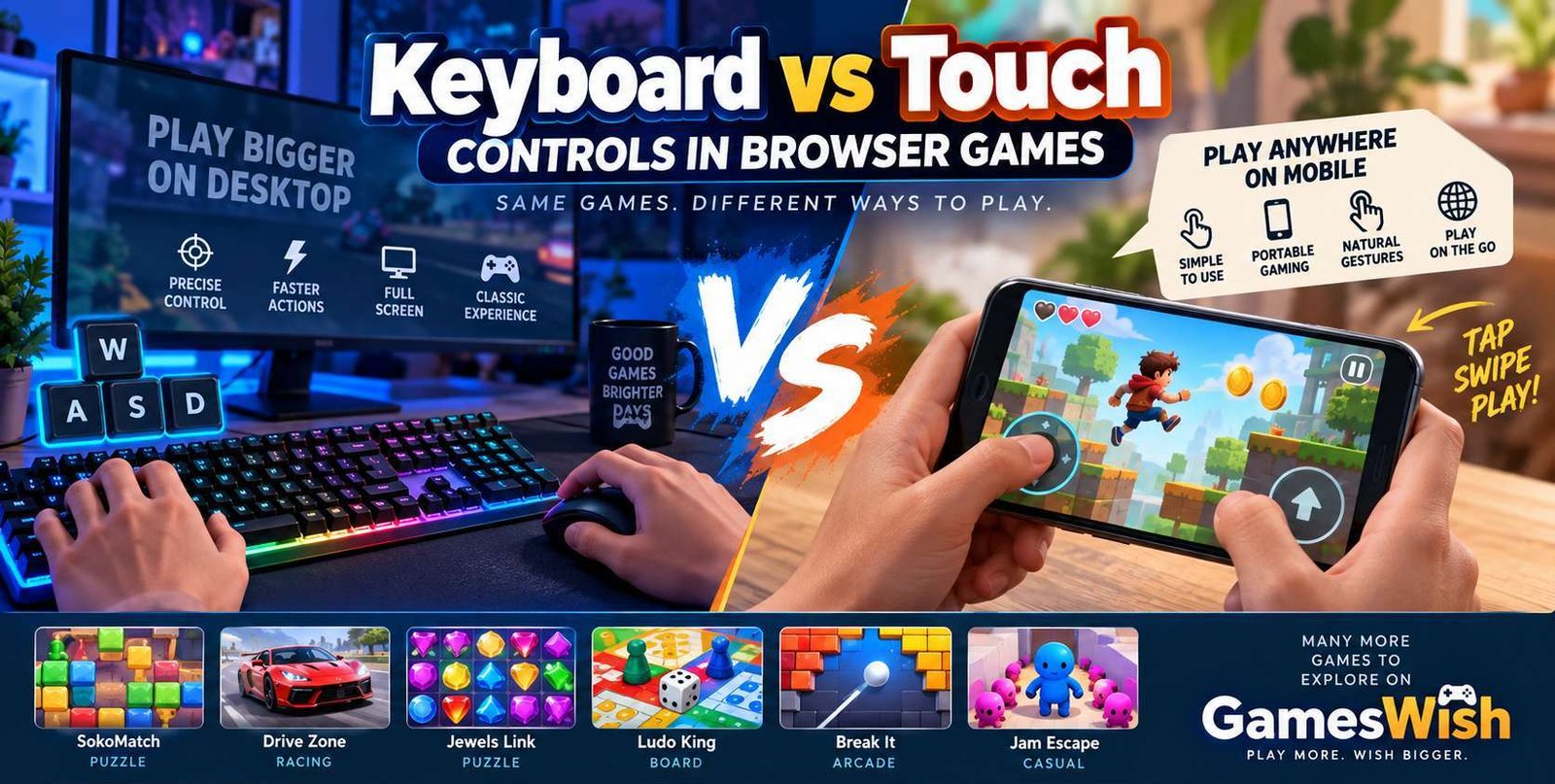
Keyboard vs Touch Controls in Browser Games
Posted on: August 16, 2026
Browser gaming has become increasingly accessible across computers, laptops,
smartphones, and tablets. Modern HTML5 technologies allow developers to create
game...
No comments yet. Be the first to comment!