
3D Racing Typing Game
Played: 753 times.
Description:
3D Racing Typing Game combines the excitement of competitive racing with the speed and accuracy of keyboard typing. Instead of relying on traditional steering and acceleration controls, players use their typing skills to boost their cars and compete against rival racers.
Available to play on Gameswish, this game offers an interesting experience for players who enjoy racing games, keyboard challenges, and skill-based gameplay. It introduces a fresh approach to the racing genre by making fast and accurate typing an important part of the competition.
Whether you enjoy car games or want to test how quickly you can type under pressure, 3D Racing Typing Game provides an entertaining challenge. Your objective is to improve your typing performance, build racing momentum, compete against opponents, and unlock additional levels as you progress.
What Is 3D Racing Typing Game?
3D Racing Typing Game is an arcade-style racing game developed by Mim232. It brings together two different activities: high-speed car racing and typing challenges.
In many traditional racing games, players control vehicles using steering, acceleration, and braking buttons. This game takes a different approach. Typing is the main control method, and your ability to enter the required text quickly and accurately helps your car gain speed.
The concept makes the experience different from an ordinary driving simulator. Players need to concentrate on the typing challenge while keeping an eye on the racing competition.
The game also includes rival racers and unlockable levels, giving players reasons to continue improving their performance. Each stage offers another opportunity to practise typing speed and accuracy while enjoying a 3D racing environment.
How Does the Gameplay Work?
The main gameplay mechanic revolves around typing. Your typing performance directly affects your car's ability to gain speed and compete with other racers.
When you begin playing, you enter a racing challenge where typing is used to boost your vehicle. The faster and more accurately you type, the better you can perform during the race.
This creates an interesting connection between keyboard skills and racing progress. Rather than simply holding an acceleration button, you must actively respond to the typing challenge.
1. Start Your Racing Challenge
Begin by launching the game and entering the available racing challenge. You will experience a 3D racing environment with competing vehicles.
The objective is to use the typing mechanic effectively and perform better than your rivals.
2. Type Quickly and Accurately
Typing is the central activity in this game. Pay attention to the text presented during gameplay and enter it as quickly and accurately as possible.
Speed matters, but accuracy is also important. Rushing through the challenge without paying attention can affect your performance.
3. Boost Your Car
Your typing performance helps boost your car. Successful typing allows you to build racing momentum and compete more effectively.
The main skill is finding a balance between speed and accuracy. Practising regularly can help you become more comfortable with the game's typing challenges.
4. Race Against Rivals
The game includes rival racers, giving each challenge a competitive feeling. Your objective is to use your typing ability to improve your racing performance and challenge the other vehicles.
5. Unlock More Levels
As you progress, you can unlock additional levels. These provide further opportunities to test your typing ability and continue enjoying the racing experience.
Main Features of 3D Racing Typing Game
Unique Racing and Typing Combination
The most interesting feature is its combination of typing and racing. It transforms an ordinary keyboard activity into a competitive game mechanic.
3D Racing Environment
The game uses a 3D presentation to create a more engaging racing experience. Players can enjoy the visual style of a vehicle-based competition while concentrating on typing.
Speed-Based Gameplay
Fast typing is an important part of the experience. Players are encouraged to improve their response speed and perform better during racing challenges.
Accuracy Matters
Typing quickly is not the only objective. Accurate input is also important, making the game a useful way to practise careful keyboard interaction.
Rival Competition
Competing against rival racers gives the gameplay an additional challenge. Players can focus on improving their performance and trying to achieve better results.
Unlockable Levels
The game features unlockable levels, allowing players to continue progressing through its available challenges.
Simple Typing Controls
The GameMonetize listing identifies typing as the control method. This makes the basic concept easy to understand, particularly for players who are comfortable using a keyboard.
Mobile-Ready Experience
The original GameMonetize listing marks the game as mobile-ready. Availability and the exact control experience may depend on the device and browser being used.
How to Play 3D Racing Typing Game on Gameswish
Playing 3D Racing Typing Game on Gameswish is straightforward.
Visit Gameswish.com.
Find 3D Racing Typing Game using the website's search or game categories.
Open the game page.
Wait for the game to finish loading.
Start the racing challenge.
Follow the typing instructions displayed during gameplay.
Type as quickly and accurately as possible to boost your car.
Compete against rival racers and work towards unlocking more levels.
For the best experience, use a comfortable keyboard and make sure your browser has finished loading the game before starting.
Controls and Playing Instructions
The official GameMonetize listing identifies Typing as the game's control method.
Action
Control
Play the racing challenge
Follow the in-game instructions
Boost your car
Type quickly and accurately
Progress through challenges
Complete the available typing tasks
The exact keyboard input can depend on the instructions shown during each challenge. Follow the letters or words displayed inside the game rather than assuming that it uses traditional racing controls.
Tips and Strategies to Improve Your Performance
You do not need to be a professional typist to enjoy this game. A little practice can help you become more comfortable with its challenges.
1. Focus on Accuracy First
It can be tempting to type as quickly as possible, especially when competing against other racers. However, accuracy is important too.
Try to enter the correct characters rather than making unnecessary mistakes. Once you become comfortable with the typing tasks, gradually increase your speed.
2. Keep Your Eyes on the Typing Challenge
Avoid becoming distracted by the racing visuals. The typing challenge is the main mechanic, so concentrate on the instructions displayed on the screen.
3. Use a Comfortable Keyboard Position
Place your hands comfortably on the keyboard. Maintaining a natural typing position can make it easier to respond quickly.
4. Practise Regularly
Regular practice can improve your familiarity with common keyboard movements and help you respond more confidently.
You can use the game for short practice sessions whenever you have free time.
5. Avoid Unnecessary Rushing
Typing too quickly without checking the required text can lead to mistakes. Try to maintain a steady rhythm that combines speed with accuracy.
6. Learn from Each Attempt
If you do not perform as expected in a particular challenge, try again and focus on improving your typing technique.
Every attempt gives you another opportunity to become more familiar with the game's mechanics.
Why Play 3D Racing Typing Game on Gameswish?
Gameswish provides an online destination for players who enjoy different types of browser games. From racing and driving experiences to puzzles, arcade challenges, action games, and casual entertainment, the platform offers a variety of gaming categories.
3D Racing Typing Game is a good example of the unusual and creative experiences players can discover on Gameswish.
Discover Different Types of Games
Not every racing game needs traditional driving controls. Gameswish helps players discover different gameplay ideas, including games that combine multiple genres.
Play Directly Through Your Browser
Enjoy the game through the Gameswish website without needing to install a separate desktop game application. A compatible browser and internet connection are needed to load the online game.
Explore More Racing Games
If you enjoy 3D Racing Typing Game, you can also explore other racing experiences available on Gameswish. The platform includes different styles of vehicle games, offering more choices for players with different interests.
A Convenient Gaming Experience
Gameswish makes it easy to discover and access browser games from one website. Players can explore available titles and choose something that matches their mood.
Gameswish Originals
Gameswish also features its own original games under the Gameswish Originals – 100% Ads Free section. These are distinct from third-party games such as 3D Racing Typing Game and provide another reason to explore the platform.
Who Should Play This Game?
3D Racing Typing Game can appeal to several types of players.
Racing game fans: Players who enjoy vehicle competitions may appreciate its different approach to racing.
Typing enthusiasts: Anyone interested in testing keyboard speed and accuracy can enjoy the typing-based challenges.
Casual gamers: Its straightforward concept makes it suitable for short gaming sessions.
Players looking for something different: People who are familiar with traditional car games may enjoy trying a racing game controlled through typing.
Keyboard practice enthusiasts: Players who want an entertaining way to practise typing can use the game as a casual activity. It should be treated as a game rather than a complete typing course.
Frequently Asked Questions
What is 3D Racing Typing Game?
3D Racing Typing Game is a 3D racing game that combines vehicle competition with keyboard typing. Players type quickly and accurately to boost their cars and compete against rivals.
Who developed 3D Racing Typing Game?
The game is credited to Mim232 on its GameMonetize listing.
How do you control the car?
Typing is the main control method. Players follow the on-screen typing instructions to boost their vehicles.
Is 3D Racing Typing Game free to play on Gameswish?
Gameswish provides browser-based access to its available games. You can visit the game page and check its availability.
Can I play this game on mobile?
The original GameMonetize listing marks the game as mobile-ready. The experience may vary depending on your device and browser.
Does the game have multiple levels?
Yes. The listing mentions unlockable levels, allowing players to continue progressing through the game.
Is this a traditional car driving simulator?
No. Its main mechanic is typing rather than conventional steering and acceleration controls. This is what makes it different from many other racing games.
Is typing speed important?
Yes. Fast and accurate typing helps boost your car and improve your performance during the racing challenge.
Final Thoughts
3D Racing Typing Game offers a creative alternative to traditional browser racing games. By combining typing challenges with 3D vehicle competition, it creates an experience where keyboard speed and accuracy become important parts of the race.
The straightforward concept, rival competition, and unlockable levels make it an interesting choice for players who want to try something different. Whether you enjoy racing games, typing challenges, or casual browser entertainment, this title is worth exploring.
Visit Gameswish and try 3D Racing Typing Game online. Discover its typing-based racing mechanics, challenge your performance, and explore more exciting browser games available on Gameswish.
Gameswish – Discover, Play, and Enjoy Free Online Games!
Categories:
Racing





Similar Games


Our Blog
Gameswish Introduces a New Gaming Experience with Gameswish Premium and Gameswish Originals
Posted on: October 19, 2026
The online gaming industry continues to evolve as more people discover the convenience of playing games directly through their web browsers. From casual puzzle challenges to exciting action adven...

Word Finder
Posted on: September 30, 2026
Word Finder: Explore a Changing World of Word Puzzles
Word puzzle games have a simple appeal: the rules are easy to understand,
but finding the right answer can become surpri...
How WebGPU Is Improving Browser Game Graphics
Posted on: September 25, 2026
Browser games have changed significantly over the years. What started with simple
2D experiences has grown into a large ecosystem of games featuring detailed
environments, animations, lighting effec...
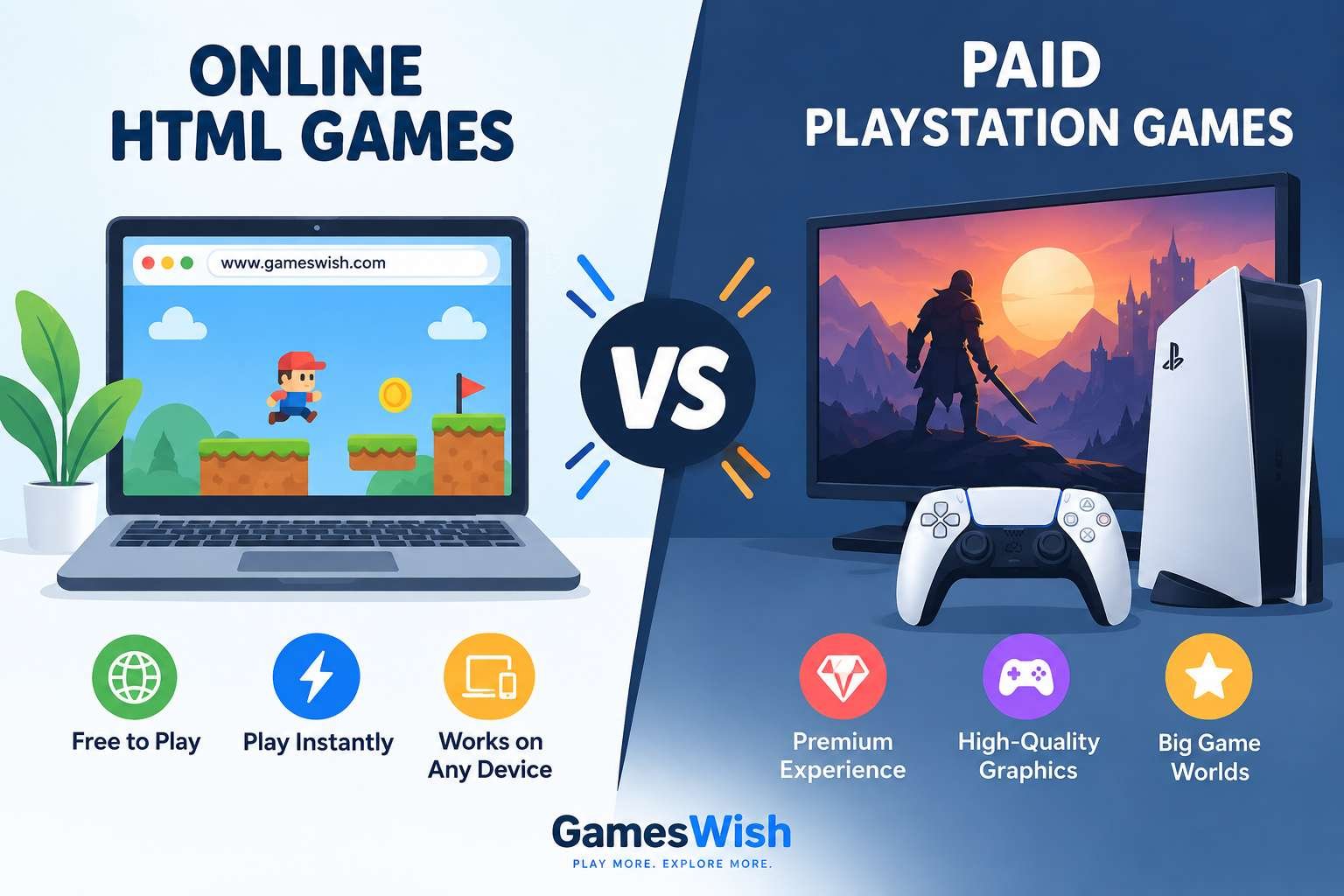
Online HTML Games vs Paid PlayStation Games: Differences, Pros and Cons
Posted on: September 18, 2026
Gaming has changed dramatically over the last decade. Players today can choose from thousands of free games that run directly inside a web browser, while premium console games continue to offer larg...
Read More
Zombotron Re-Boot
Posted on: September 10, 2026
Zombotron Re-Boot: Explore, Fight and Survive on a Mysterious Planet
If you enjoy action games that combine shooting, exploration, platforming, puzzles, and science-fiction mystery, Zombotron Re...
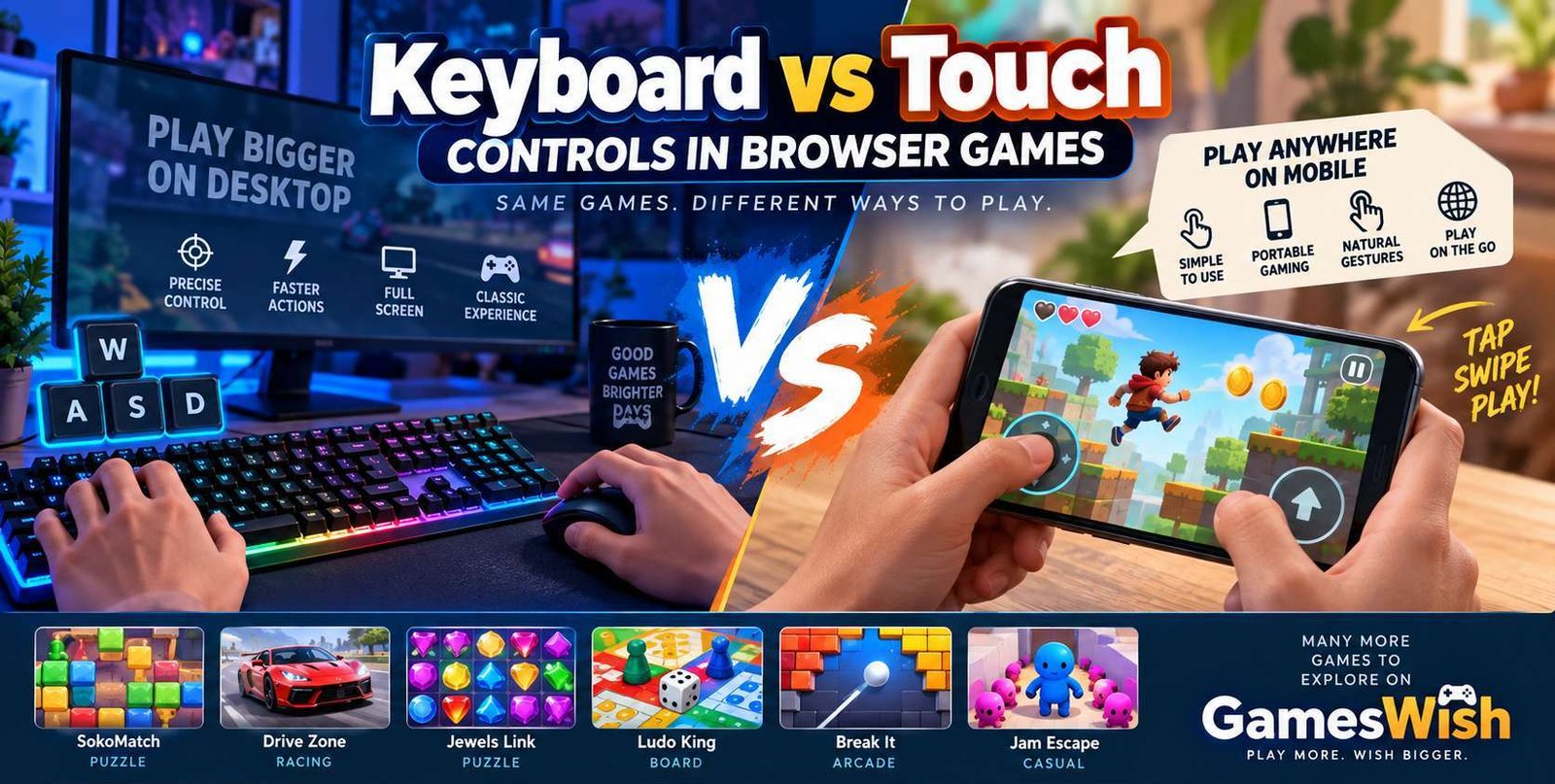
Keyboard vs Touch Controls in Browser Games
Posted on: August 16, 2026
Browser gaming has become increasingly accessible across computers, laptops,
smartphones, and tablets. Modern HTML5 technologies allow developers to create
game...
No comments yet. Be the first to comment!