
Word Finder
Played: 2 times.
Description:
Word Finder
About This Game
Word Finder is a relaxing and challenging word search game that combines vocabulary, observation, and quick thinking. Each puzzle gives you a clue and a collection of letters that can be connected to create related words.
As you discover words, the puzzle board can shift and change, creating a fresh challenge and requiring you to look carefully at the new letter arrangement. The basic gameplay is easy to understand, but the changing tiles and increasing challenges can make later puzzles more interesting.
With thousands of levels, helpful power-ups, and opportunities to discover bonus words, Word Finder offers a long collection of word puzzles that can be enjoyed in short sessions or longer gameplay sessions.
How to Play
Playing Word Finder is simple. Start by reading the clue shown for the current puzzle. Then examine the letters on the board and look for words that are related to the clue.
Swipe over the letters in the correct order to connect them and create a word. Continue searching until you find all of the words required to complete the level.
**Steps to play:**
1. Read the clue carefully.
2. Look at the available letters.
3. Swipe across letters in the correct order to create a word.
4. Find all the related words required for the puzzle.
5. Complete the level and move on to the next challenge.
Controls
Word Finder uses simple swipe controls.
**Mouse:** Click and drag across the letters to create a word.
**Touchscreen:** Swipe your finger across the letters in the correct order.
The main objective is to connect the correct letters and find all the words associated with the puzzle clue.
Game Features
**Clues for Every Puzzle:** Each puzzle provides a clue to help you understand what type of words you need to find.
**Shifting Tiles:** The puzzle arrangement can change as you discover words, giving you a different letter layout to examine.
**Thousands of Levels:** The provided game information states that Word Finder includes more than 6,000 levels, with additional levels planned.
**Helpful Power-Ups:** Spyglass, Light Bulb, and Shuffle power-ups can provide assistance when you have difficulty finding a word.
**Bonus Points:** Discovering additional words can give you opportunities to earn bonus points.
**Simple Gameplay:** The swipe-based controls make it easy to start playing without complicated controls.
Tips and Strategy
Start by studying the clue before searching randomly through the letters. Understanding the clue can help narrow down the possible words and make the puzzle easier to solve.
Look for familiar words first. If you notice an obvious combination of letters, try connecting it and then examine the board again.
Because the tiles can shift as you find words, always take a moment to look at the new arrangement after completing a word. A word that was difficult to notice earlier may become easier to find after the board changes.
Try not to use power-ups immediately when you get stuck. Take another look at the clue and remaining letters first. Saving power-ups for particularly difficult puzzles can make them more useful.
You can also search for additional words when possible. Finding extra words can provide bonus points and make the puzzle more rewarding.
Why Play Word Finder?
Word Finder combines a familiar word-search concept with changing puzzle layouts. The clues give you a clear direction, while the shifting tiles encourage you to keep examining the board as you progress.
The large number of available levels also gives players plenty of puzzles to explore. Whether you want to play for a few minutes or complete several puzzles in one session, the game provides an accessible browser-based word puzzle experience.
Frequently Asked Questions
What is Word Finder?
Word Finder is a word-search puzzle game where players connect letters to create words related to the clue provided for each puzzle.
How do I create a word?
Swipe across the letters in the correct order to connect them and form a word.
What is the objective of the game?
The objective is to find all of the words related to the current puzzle clue and complete the level.
Does the puzzle board change?
Yes. The provided game information describes shifting tiles that change as players find words.
Does Word Finder have power-ups?
Yes. The game includes power-ups such as Spyglass, Light Bulb, and Shuffle to help when you are having difficulty.
How many levels does Word Finder have?
According to the provided game information, Word Finder has more than 6,000 levels, with additional levels planned.
Categories:
Puzzle







Similar Games



Our Blog

Word Finder
Posted on: September 30, 2026
Word Finder: Explore a Changing World of Word Puzzles
Word puzzle games have a simple appeal: the rules are easy to understand,
but finding the right answer can become surpri...

How WebGPU Is Improving Browser Game Graphics
Posted on: September 25, 2026
Browser games have changed significantly over the years. What started with simple
2D experiences has grown into a large ecosystem of games featuring detailed
environments, animations, lighting effec...
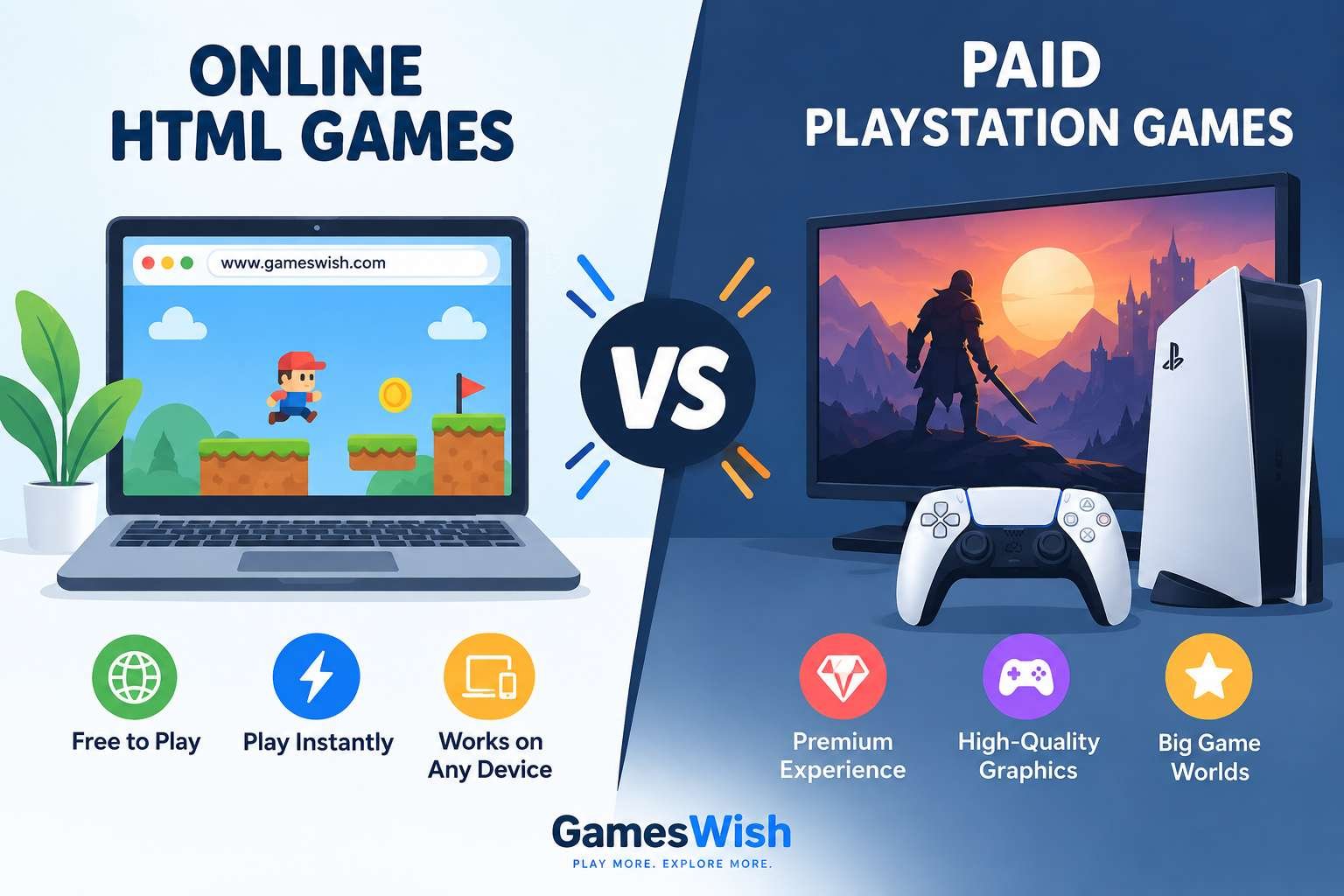
Online HTML Games vs Paid PlayStation Games: Differences, Pros and Cons
Posted on: September 18, 2026
Gaming has changed dramatically over the last decade. Players today can choose from thousands of free games that run directly inside a web browser, while premium console games continue to offer larg...
Read More
Zombotron Re-Boot
Posted on: September 10, 2026
Zombotron Re-Boot: Explore, Fight and Survive on a Mysterious Planet
If you enjoy action games that combine shooting, exploration, platforming, puzzles, and science-fiction mystery, Zombotron Re...
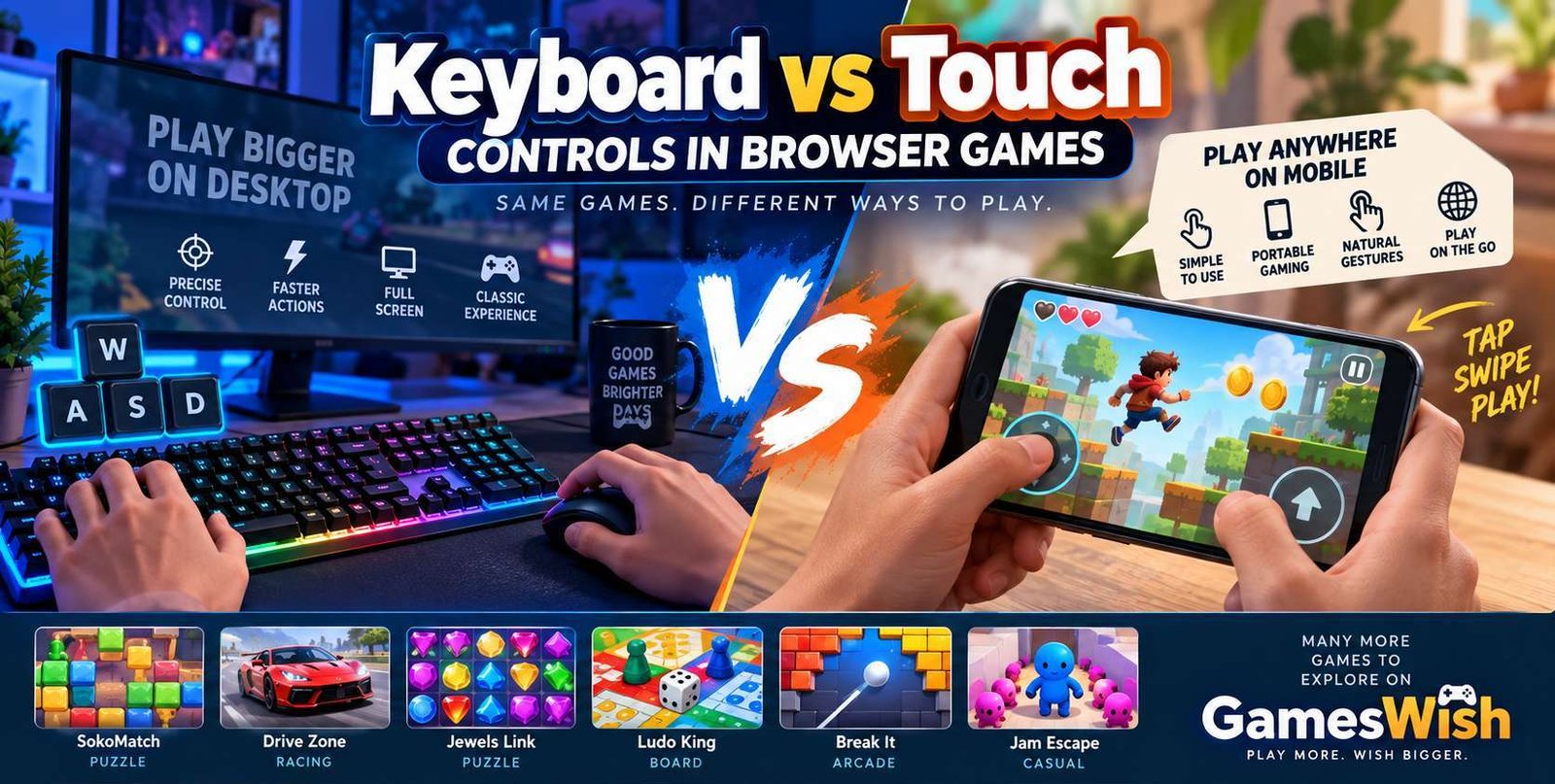
Keyboard vs Touch Controls in Browser Games
Posted on: August 16, 2026
Browser gaming has become increasingly accessible across computers, laptops,
smartphones, and tablets. Modern HTML5 technologies allow developers to create
game...

Best Free Browser Games to Play in 2026 | GamesWish
Posted on: July 16, 2026
Browser gaming continues to be a convenient way to enjoy games without making a large commitment to downloads, installations, or storage space. In 2026, modern web technologies allow developers to cr...
Read More
No comments yet. Be the first to comment!